
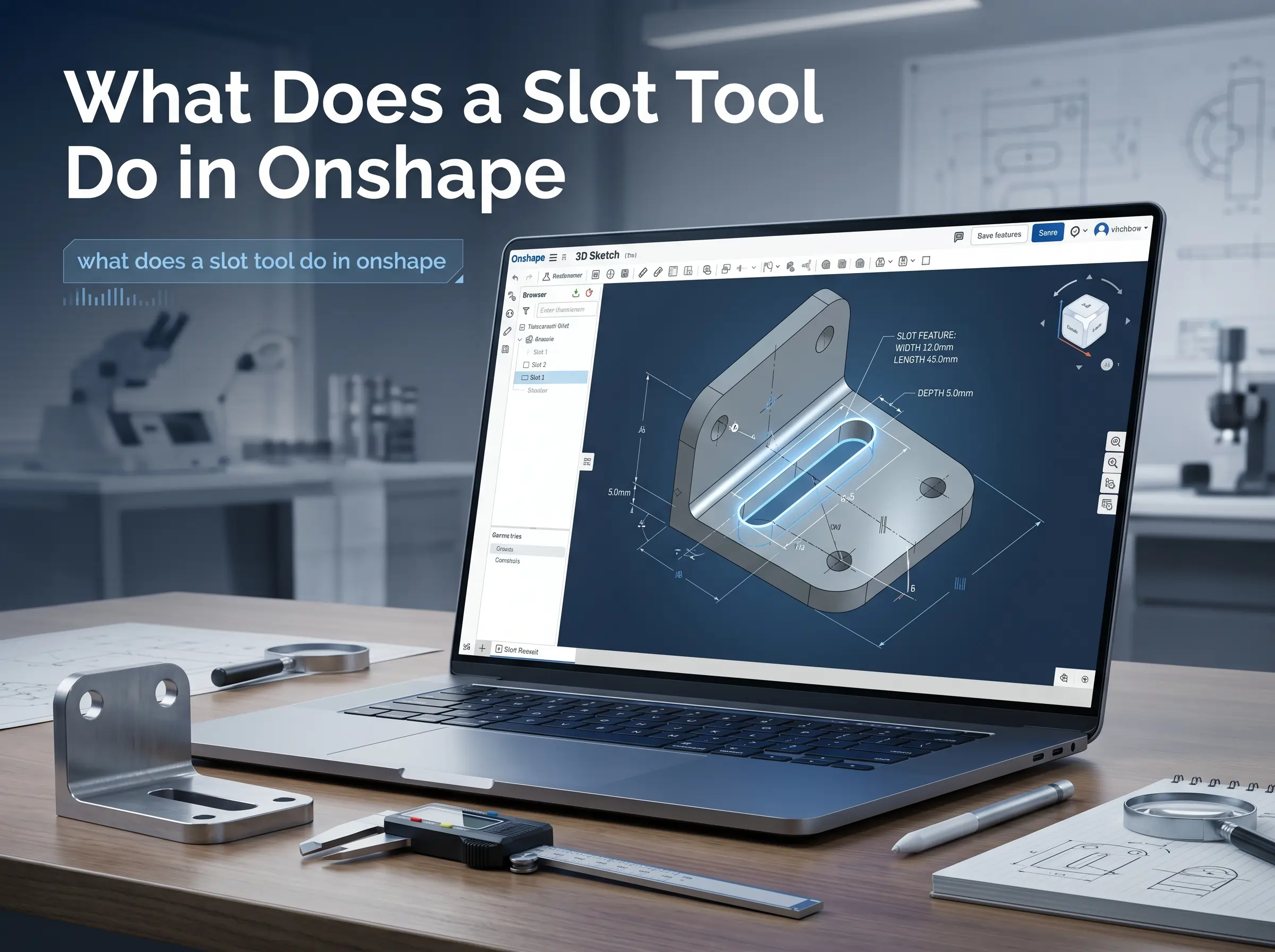
What does a slot tool do in Onshape? It turns sketch geometry into a real slot shape with a defined width. If you are trying to understand what does a slot tool do in Onshape, the answer is simple. It helps you create slots faster, keeps the sketch cleaner, and gives you a feature that can support adjustment or motion instead of a fixed hole. In Onshape, that makes the Slot tool one of those small features that saves a lot of time later.
What the Slot Tool actually does
The Slot tool is part of Onshape’s Sketch tools. It lets you take selected sketch geometry such as a line, arc, or spline and turn it into a slot with a defined width. That means you do not need to draw two sides and close the ends by hand. Onshape creates the slot for you and attaches the width dimension so you can edit it later.
That is the main reason people use it. A slot is not just a visual shape. It is a parametric sketch entity that can be changed after the fact without rebuilding the whole sketch. If you are asking what does a slot tool do in Onshape, this is the core value. It makes adjustable geometry easier to manage.
Why engineers use it so often
Slots show up in real mechanical work all the time. Onshape’s own tech tip explains that slots are useful for aligning fasteners or pins and for guiding motion through cams or grooves. That means the Slot tool is helpful anywhere a part needs a little movement instead of a fixed position.
That flexibility matters in design. A mounting slot can give you room to align a bolt during assembly. A guided slot can control how a part slides. A cam style sketch can use the same idea to define motion more clearly. When you understand what does a slot tool do in Onshape, you start seeing where a slot is better than a plain hole.
How the Slot Tool works in practice
Onshape makes the workflow pretty simple. You can sketch the center geometry first and then apply the Slot tool. You can also choose the Slot tool first and then select the sketch curves you want to convert. Onshape supports both methods.
Once the slot is created, Onshape adds the width dimension automatically. That is important because the slot stays editable. You can change the width later without redrawing the shape. Onshape also notes that multi selection can be used to apply equal sized slots across multiple curves, which is handy when the sketch has repeating features.
This is where the tool starts to feel valuable. It is not only faster. It also reduces clutter in the sketch. A clean sketch is easier to read and easier to edit when the design changes. And in CAD work, that usually matters more than saving a few seconds on the first draft.
When you should use the Slot Tool
You should use the Slot tool when your design needs adjustment or motion. A slotted hole is a common example because it gives a fastener a little room to move. That can help during installation or alignment. In mechanical design, that small amount of freedom is often the difference between a frustrating assembly and a smooth one.
You can also use it for paths where a pin or component needs to slide along a controlled route. That is why slots appear in fixtures, brackets, linkage parts, and other motion related designs. If you are still asking what does a slot tool do in Onshape, this is the practical answer. It creates the geometry for features that are meant to move or adjust.
When not to use it
A slot is not the right choice for every hole. If the part needs a fixed position and no movement, a regular hole is cleaner and easier to understand. Using a slot where you do not need one can make the design more confusing. It can also make the intent of the sketch less clear for anyone else who opens it later.
That is why the Slot tool should be used with intent. It is a precision feature, not a decorative one. If you need movement, alignment, or adjustment, use it. If you do not, keep the sketch simple. That is usually the better engineering choice.
Slot Tool vs Slot Mate
This is where many beginners get mixed up. The Slot tool is a sketch feature. It creates the slot geometry inside a Part Studio sketch. The Slot Mate is different. It is used in assemblies to let a component slide within a slot. They sound similar, but they solve different problems.
That difference matters because it changes when you should use each one. If you are still building the part, you need the Slot tool. If the parts already exist and you want motion between them in an assembly, you use Slot Mate. When people understand what does a slot tool do in Onshape, they usually stop confusing those two features.
Common mistakes people make
One common mistake is drawing the slot manually when the tool could do it faster. That adds unnecessary work and makes the sketch harder to maintain. Another mistake is forgetting to change the width dimension after the slot is created. Onshape gives you the dimension automatically, but it is still your job to set it correctly for the real design.
A third mistake is using slots too often. Just because the tool is available does not mean every hole should become a slot. If a fixed location is enough, a normal hole is a cleaner solution. Good CAD usually comes from choosing the simplest feature that still fits the job.
Why the Slot Tool improves your workflow
The biggest benefit is control. The Slot tool gives you a fast way to build editable geometry that supports real design needs. It also keeps sketches more organized because Onshape handles the slot shape and width in a single operation. That makes later edits easier, especially when the design changes.
It also fits the way Onshape is built. Onshape is designed around parametric modeling, so small sketch tools matter more than they might seem at first. A feature like the Slot tool helps you think in terms of intent instead of hand drawing every detail. That is a better habit for anyone doing serious CAD work.
FAQs
Q1. What does a slot tool do in Onshape?
It converts selected sketch geometry into a slot with a defined width. Onshape also adds a dimension automatically so you can edit the slot later.
Q2. Can I use the Slot tool on a line?
Yes. Onshape says you can apply it to sketch curves such as lines, arcs, and splines. That lets you turn simple geometry into a slot quickly.
Q3. Does the Slot tool create dimensions automatically?
Yes. The width dimension is created automatically and can be edited later. That is one of the main reasons the tool is so useful in parametric sketches.
Q4. Is the Slot tool the same as Slot Mate?
No. The Slot tool is for sketching slot geometry. Slot Mate is for assembly motion and lets a component slide within a slot.
Q5. When should I use a slot instead of a hole?
Use a slot when you need adjustment or motion. Use a hole when the part should stay fixed in one position.
Conclusion
The Slot tool in Onshape is a sketch feature that creates editable slot geometry with an automatic width dimension. It is most useful when your design needs movement, adjustment, or alignment. If you are building the part, use the Slot tool. If you are constraining motion in an assembly, use Slot Mate instead. That distinction keeps your design workflow clean and accurate.
