
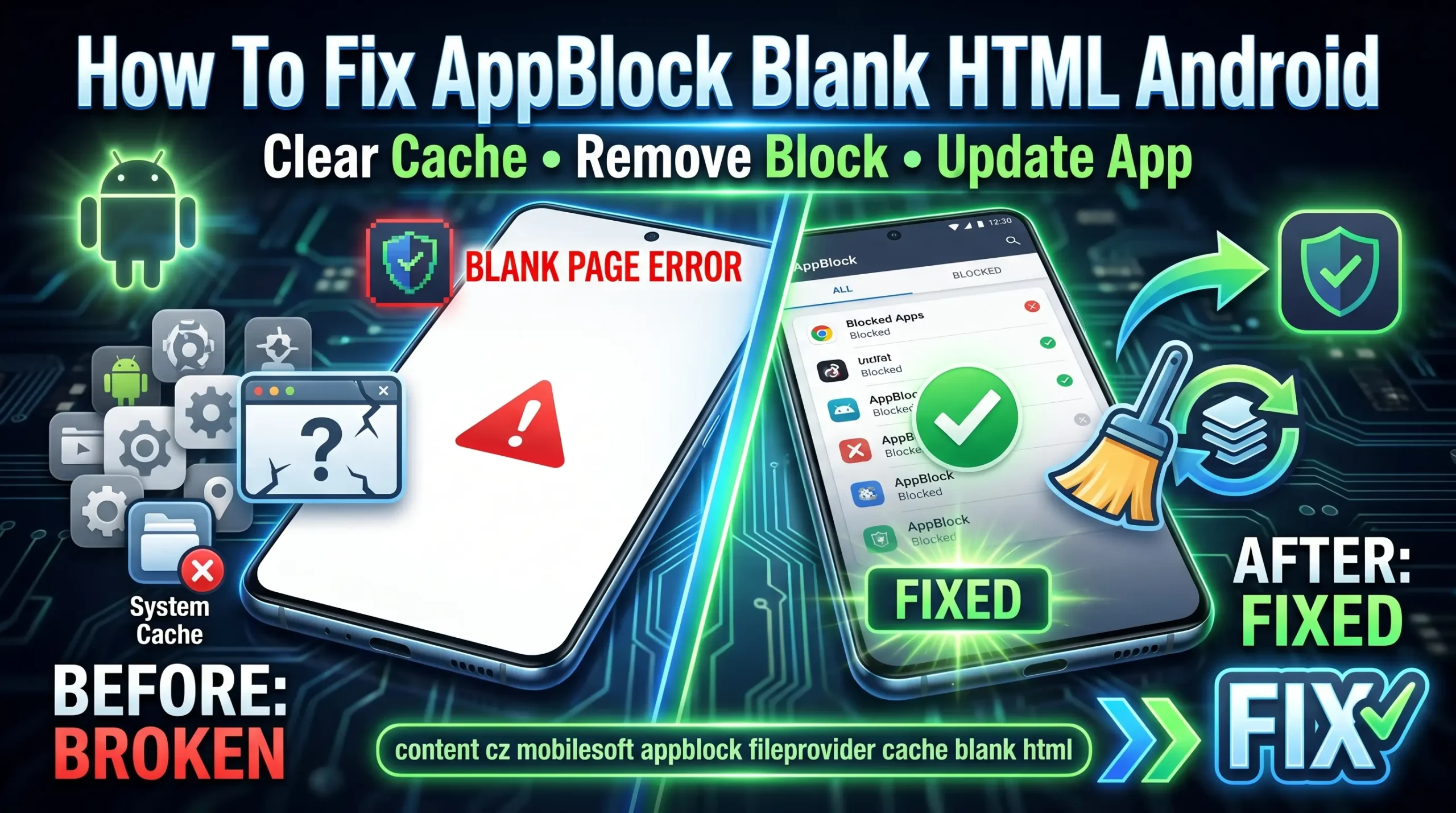
What content cz mobilesoft appblock fileprovider cache blank html means
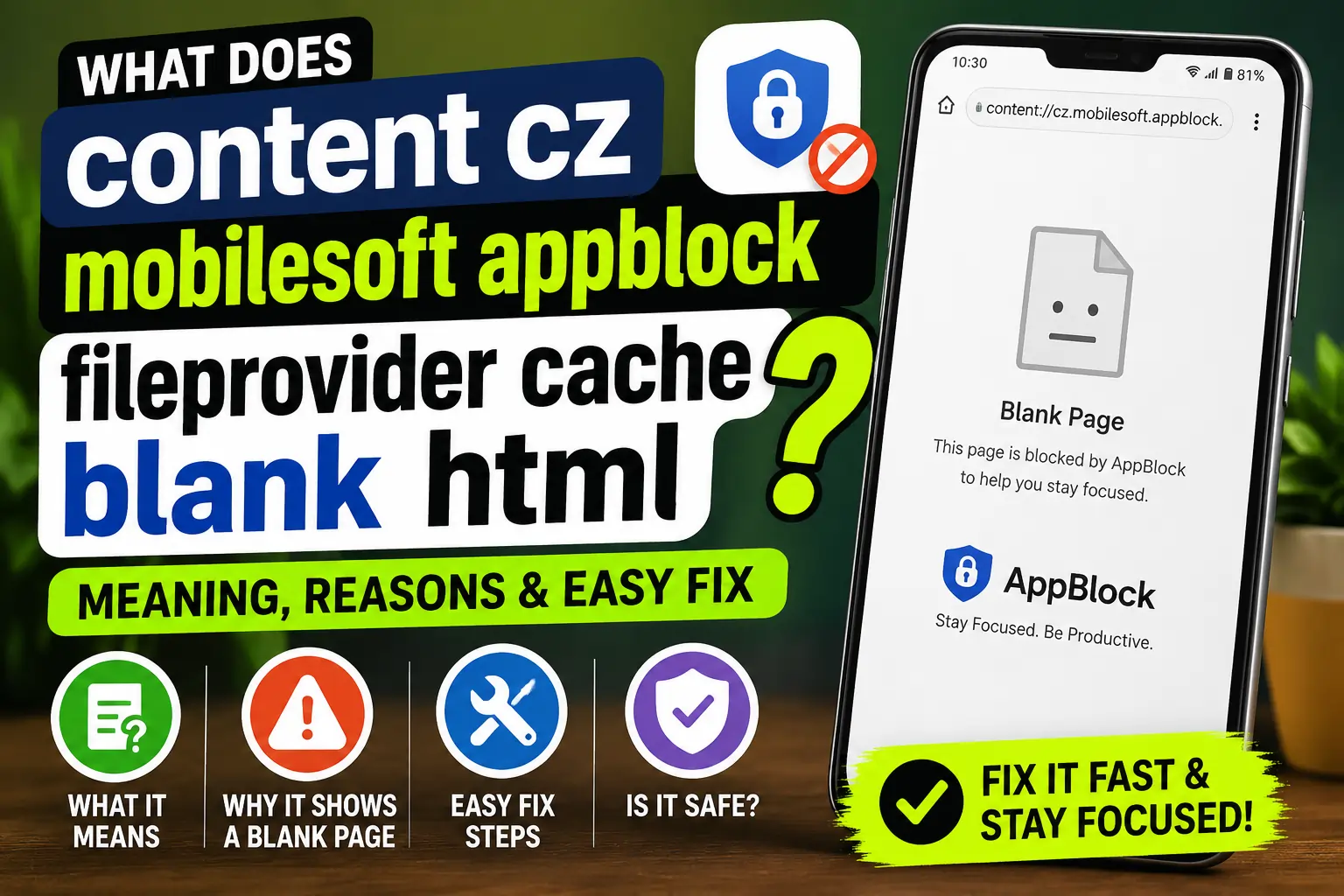
If you saw content cz mobilesoft appblock fileprovider cache blank html in your browser or history then the short answer is simple. It usually means AppBlock redirected a page to a local blank file instead of loading the site. That is why the screen looks empty. It is often part of the block action itself and not a sign that your phone is broken. AppBlock is built to block distracting apps and websites and it uses Android security tools to do that in a controlled way.
In plain words this is a content URI AppBlock Android path that points to a file inside the app flow. The blank page is there on purpose. In many cases it appears when a blocked site tries to open and AppBlock swaps it with a local placeholder page. That is why users often search for AppBlock blank page Android or AppBlock redirecting to blank page.
Why AppBlock shows a blank page
AppBlock is a focus app. It blocks distracting apps websites URLs and even keywords. The official site says it is made to help users stay focused and reduce screen time. It also says the app can block websites and keywords and run scheduled profiles for work study sleep and other routines. So when a blocked page opens AppBlock may send you to a blank page instead of the real site.
That is the main reason people see the MobileSoft AppBlock content provider Android path. It is part of the app’s blocking method. In technical terms Android apps can use a FileProvider to create secure content URIs for files instead of exposing raw file paths. Android’s docs explain that FileProvider generates content URIs and can share files from cache directories too.
So the blank HTML page is usually a local file that AppBlock uses as a safe stand in. That is why the path includes fileprovider cache blank html. It is not trying to open a public web page. It is trying to load a file from the app side.
How Android FileProvider makes this work
Android FileProvider exists so apps can share files securely through content URIs. Google’s docs say this is the safe way to offer a file to another app. The app defines which folders can be shared and one of the supported folders can be the internal cache directory. That fits the kind of path you see in this issue.
This matters because the phrase content cz mobilesoft appblock fileprovider cache blank html is not random noise. It looks strange because it is the internal Android style of naming a protected file. Once you understand that structure the page makes more sense. The cache part points to a temporary storage area. The blank html part points to the empty page file. The fileprovider part shows that Android is handing access through a content URI.
How to fix AppBlock blank html Android
Most of the time the fix is simple. First decide whether you want AppBlock to keep blocking that site. If yes then the blank page is expected. If no then change the block rule or turn off the profile that is causing it. AppBlock’s own help pages say to check whether the app is up to date and to review troubleshooting settings and permissions when blocking does not work properly.
Check the block rule first
Open AppBlock and look at the website or keyword list. If the site is on the block list then the blank page is normal. Remove that site if you want it to open again. AppBlock says it blocks by the main URL and also supports keyword blocking. That means a site may still be blocked even if the page path looks different.
Clear AppBlock cache Android
If the page keeps showing up in a broken way then clearing the app cache is a smart next step. Google says clearing an individual app cache can help with crashes slow loading and apps that are not functioning correctly. On Android go to Settings then Apps then AppBlock then Storage then tap Clear cache. That is the cleanest way to remove bad temporary files without wiping all your settings.
Update AppBlock and restart your phone
If you are using an older version of the app then update it. AppBlock’s help article says updates often include fixes for common issues. After updating restart the phone so the app can reload its cache and permissions properly. This small step often clears odd behavior that looks bigger than it is.
Check permissions and browser support
AppBlock says website blocking relies on accessibility permissions. It also says autostart and battery optimization settings can affect how well blocking works. If the blank page appears only in one browser then test another supported browser to see whether the issue is browser related. That helps separate an AppBlock setting from a browser quirk.
Remove the block if you no longer need it
Sometimes the best fix is the simplest one. If you do not want AppBlock to control that page anymore then turn off the profile or delete the rule. Once the block is gone the redirect to the blank page should stop. This is the right choice when the app is working as designed but the rule is no longer useful.
Common questions from users
Many users ask whether content cz mobilesoft appblock fileprovider cache blank html is a virus. Based on the Android FileProvider model and AppBlock’s blocking behavior it is usually just a local placeholder path used by the app. It is better understood as a redirect file than a threat.
Others ask why it appears in browser history. That can happen because the browser records the redirected blank page that AppBlock loaded instead of the blocked website. In simple terms the browser saw a page open even though the real site was stopped.
FAQ’s
Q1. What is content cz mobilesoft appblock fileprovider cache blank html?
It is an Android content URI linked to AppBlock. It usually points to a blank local page used during website blocking.
Q2. How to fix AppBlock blank html Android?
Check the block rule first then clear AppBlock cache then update the app and restart your phone. Also confirm accessibility permissions and browser support.
Q3. Why does AppBlock redirect to a blank page?
Because AppBlock is designed to block distracting sites. It may replace the blocked page with a local blank file so the site does not load.
Q4. Is it safe to clear AppBlock cache?
Yes. Android says clearing an app cache can fix problems without removing app data. It is a normal troubleshooting step.
Q5. Can I stop the blank page from appearing?
Yes. Remove the site from AppBlock or turn off the profile that is blocking it. If you keep the rule active then the blank page is expected.
Conclusion
content cz mobilesoft appblock fileprovider cache blank html looks strange at first but the meaning is simple. It is usually AppBlock doing its job by redirecting a blocked site to a local blank file. Android FileProvider and content URIs make that possible in a secure way. If the page appears when you did not expect it then start with the block rule then clear AppBlock cache Android then update the app and check permissions. That solves most cases quickly and keeps the fix safe and simple.
